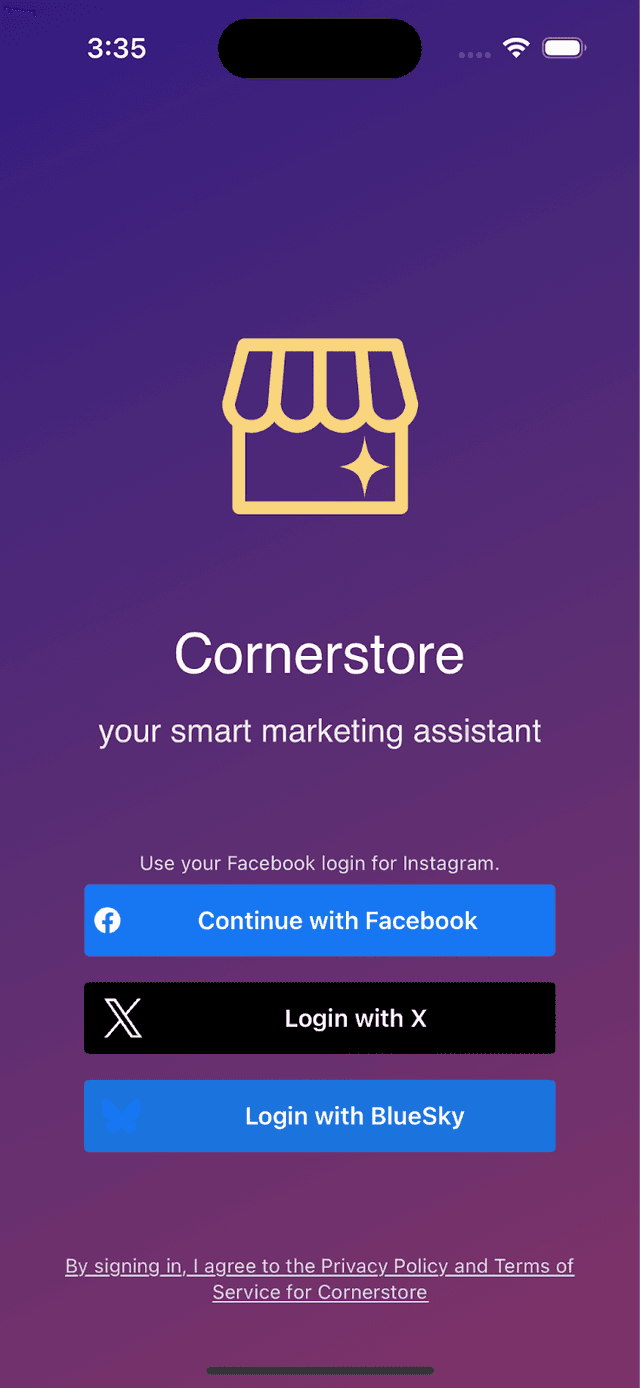
Why do I need to login?
Cornerstore helps you by:
Creating new posts
Responding to comments and messages
To do these tasks, we need you to tell each platform (Facebook+Instagram, Bluesky, Twitter/X) that you give us permission to do the following on your behalf:
Post into your account
Read comments and messages on your account, and post replies to them
Platform Differences
Bluesky and Twitter/X
Are fairly straightforward: they just require you to give us permission to view and post to your business' account.
Facebook + Instagram
Are a bit different. Meta now assumes (and requires) that every Instagram account is associated with a Facebook page. All of this is wrapped in your business' portfolio. Cornerstore is only allowed to access business accounts within Instagram; we're not allowed to access personal accounts.
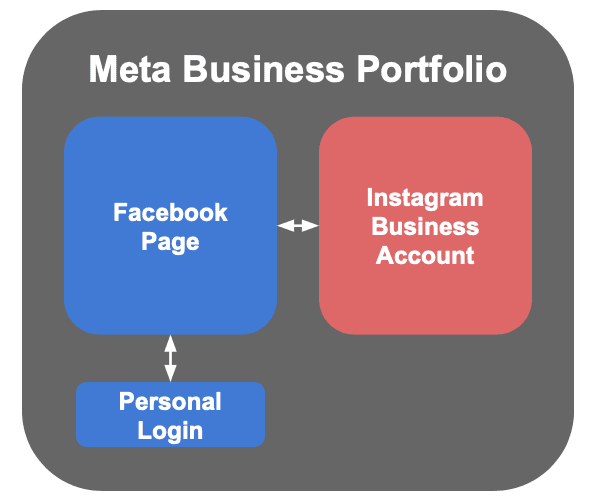
Meta Login Process
To login to Cornerstore, Meta requires you to do the following:
Step 1: Log in with your personal account
Meta then sees what Facebook pages and Instagram accounts you have access to. They now require that every Instagram account is associated with a Facebook page.
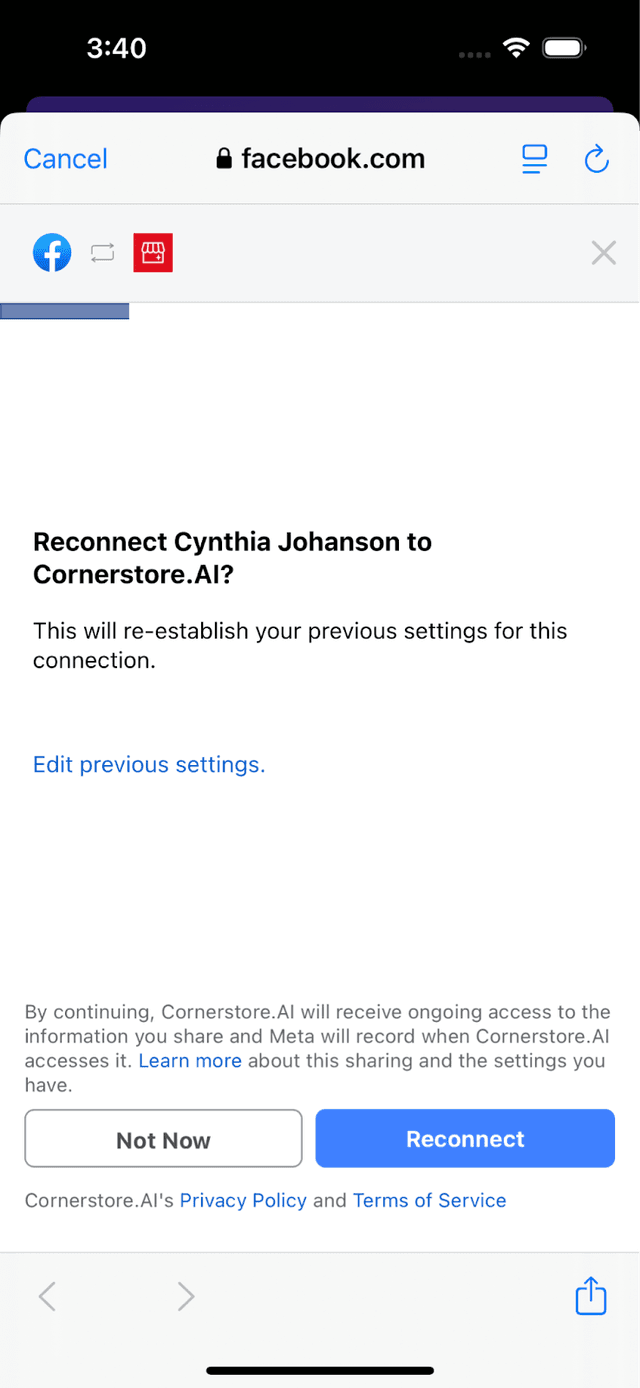
If you've logged in before
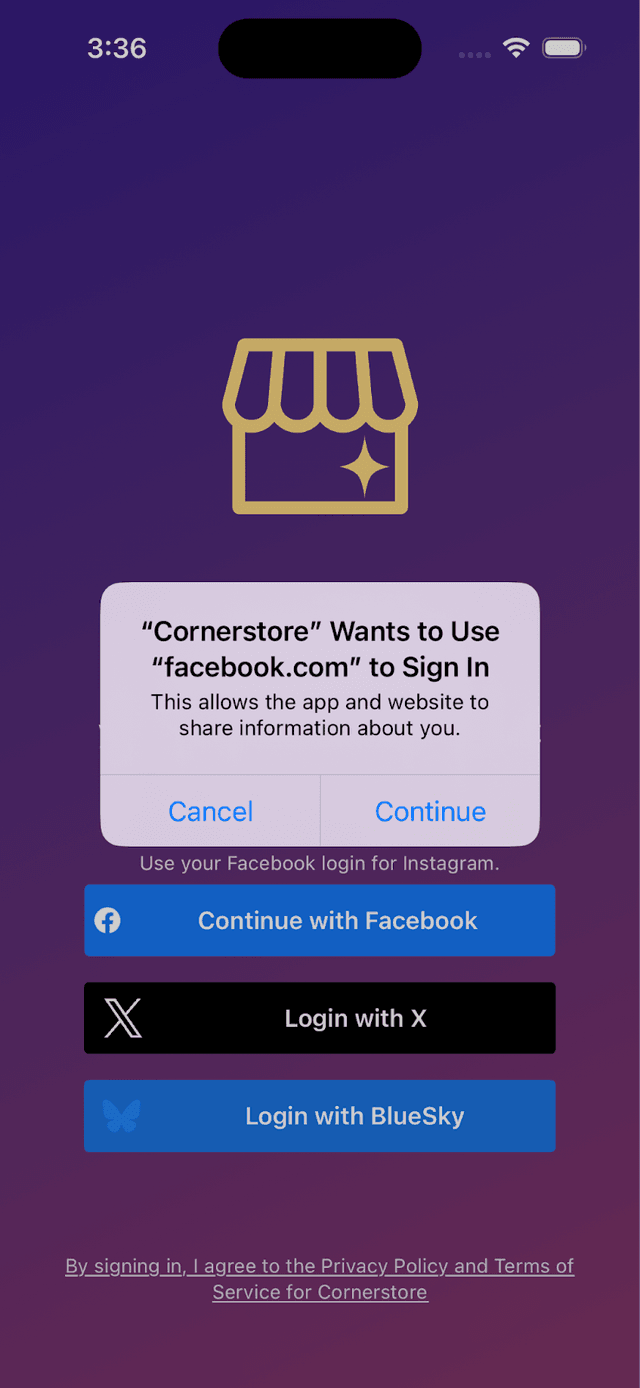
You might see this:
Permission Check
It will then check if you're OK giving us access to those pages+accounts.
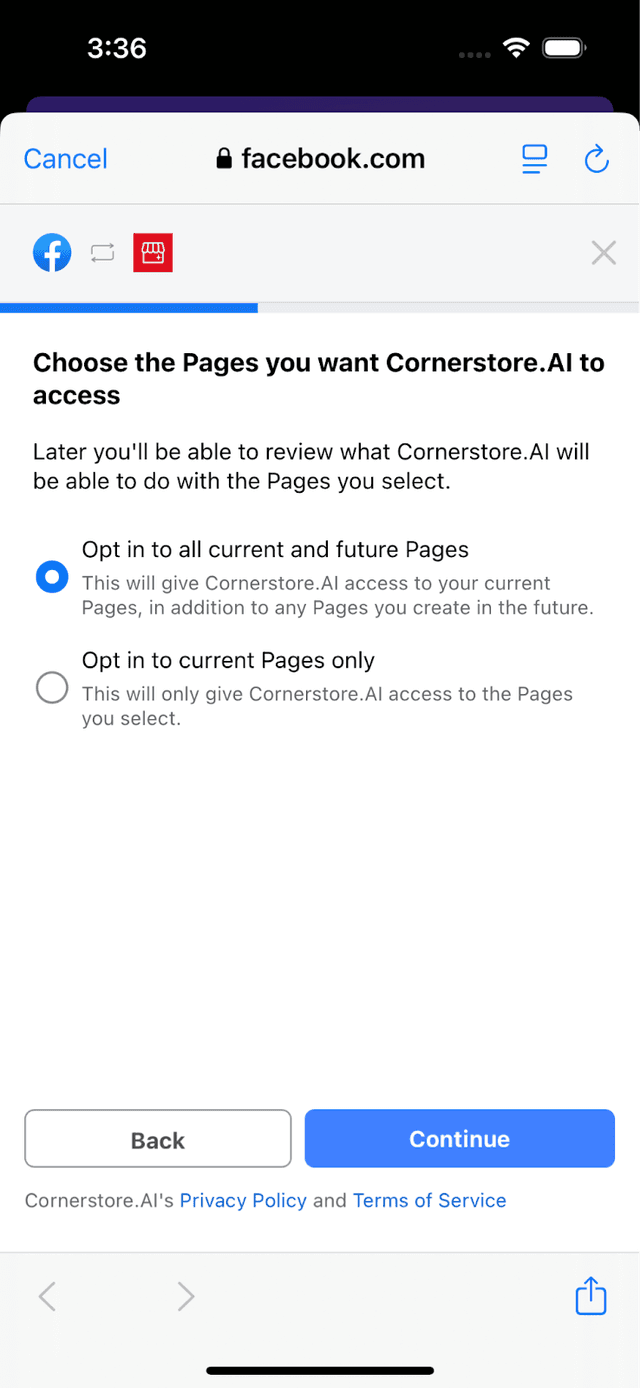
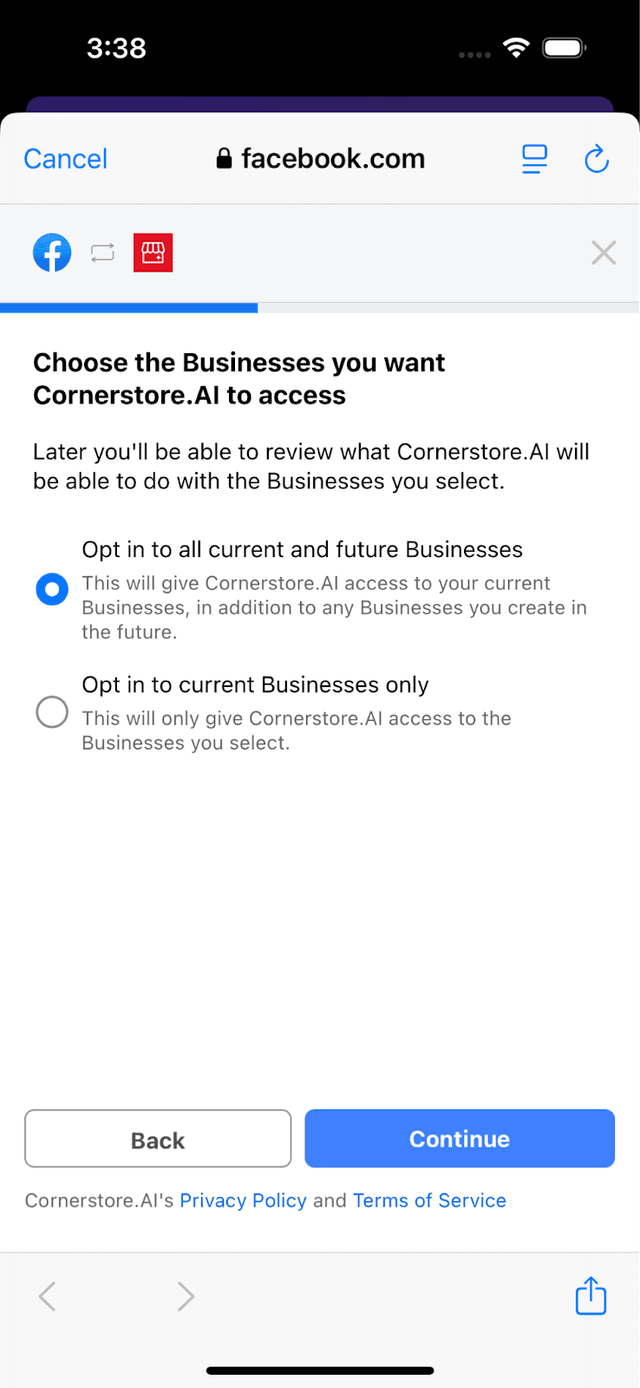
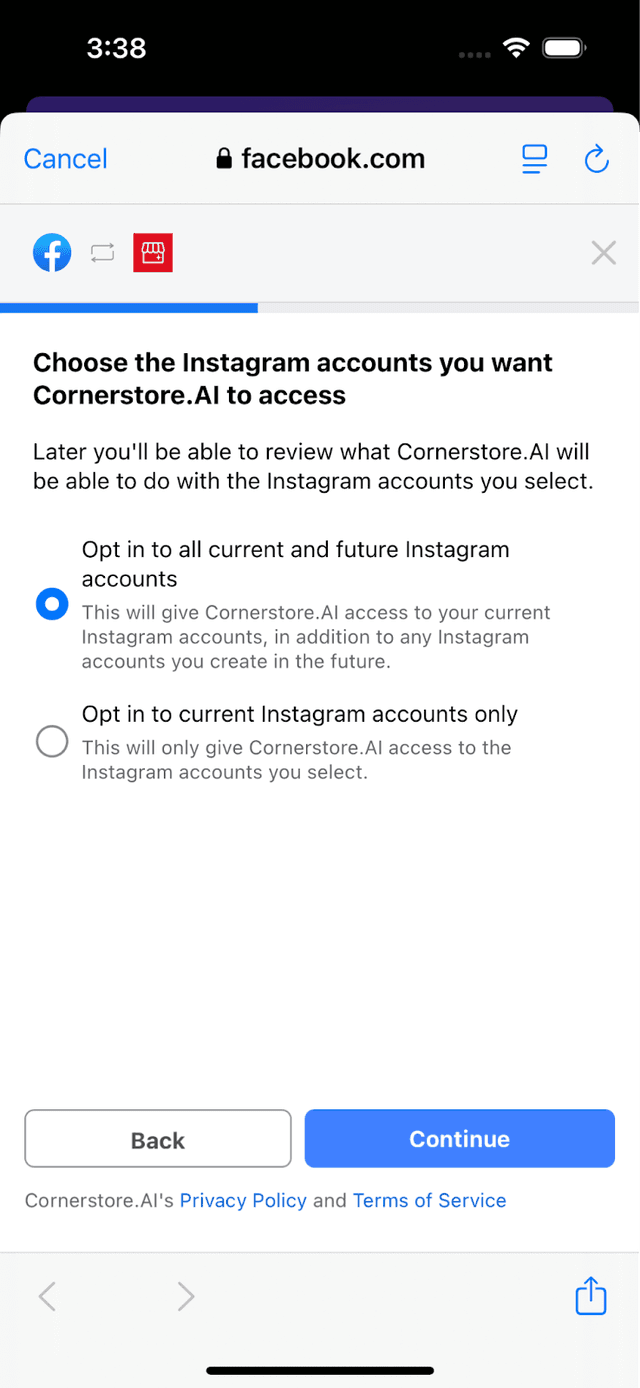

Account Selection
If you give the OK, it will then tell Cornerstore what Facebook pages + Instagram accounts are available for you to log in.
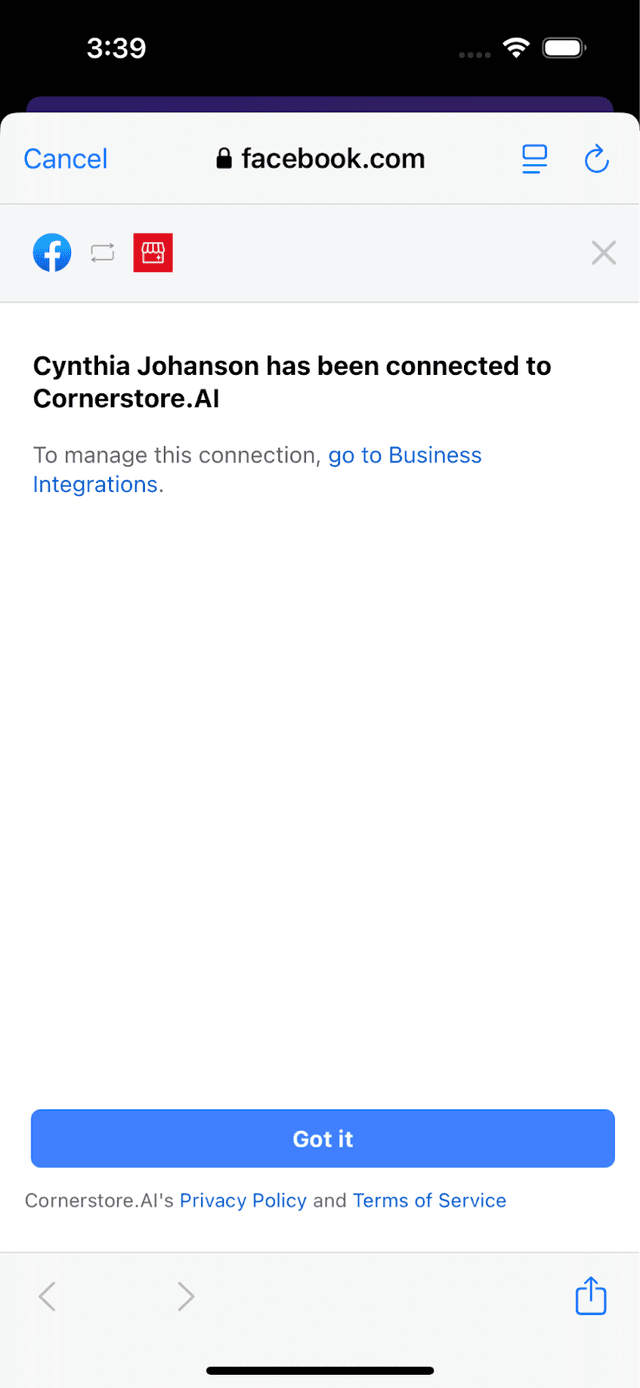
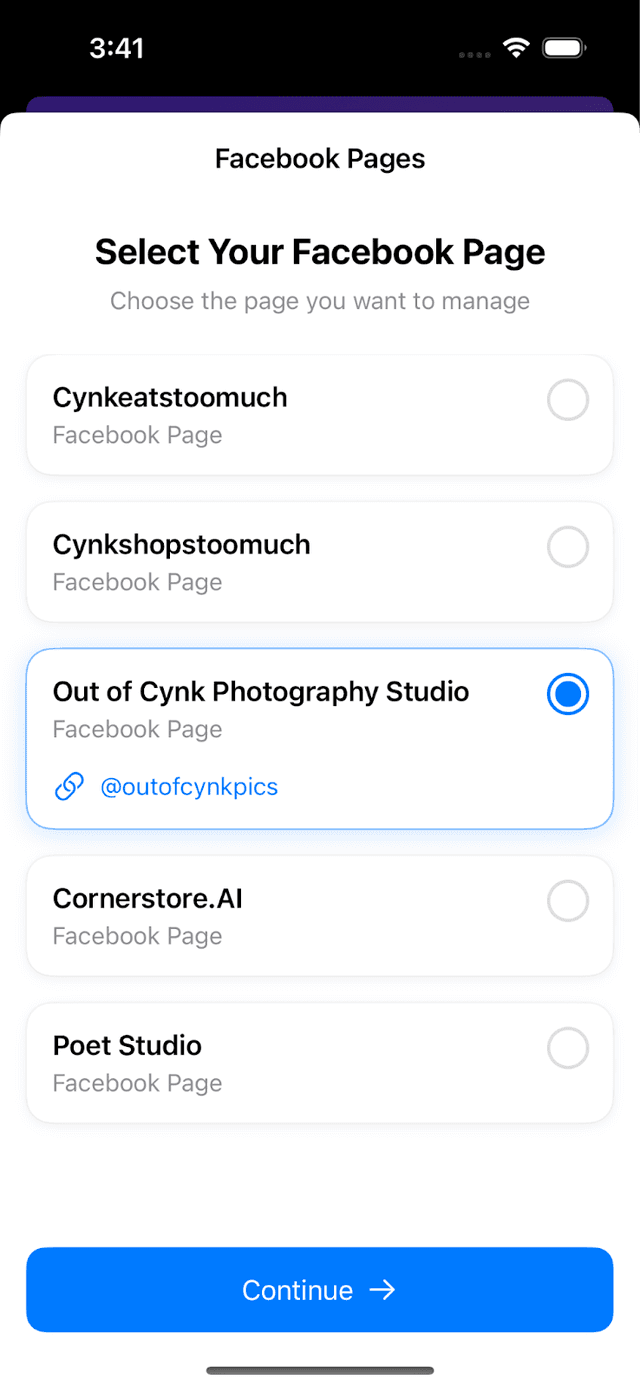
You then select the FB Page + Instagram account you want to use.